
Your school year,
with a personal touch.
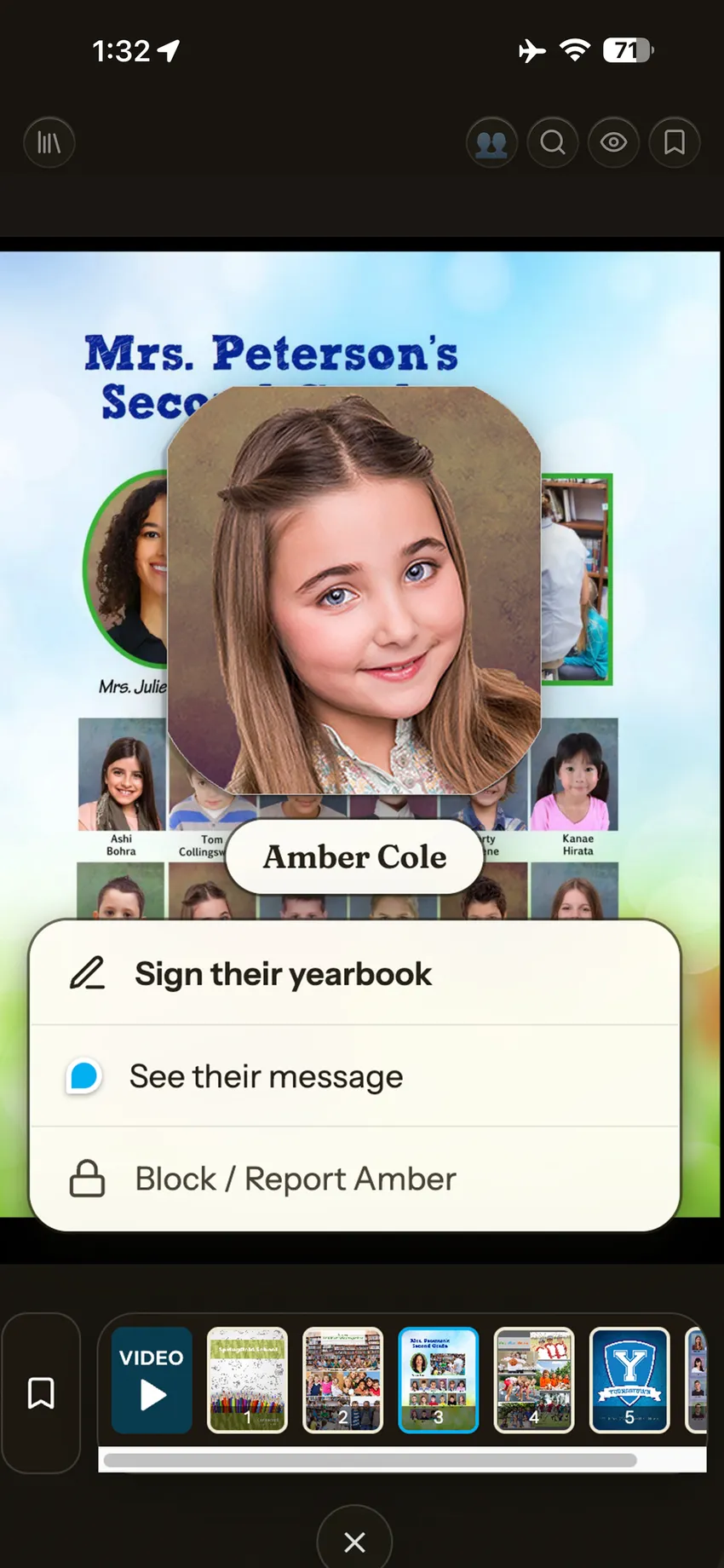
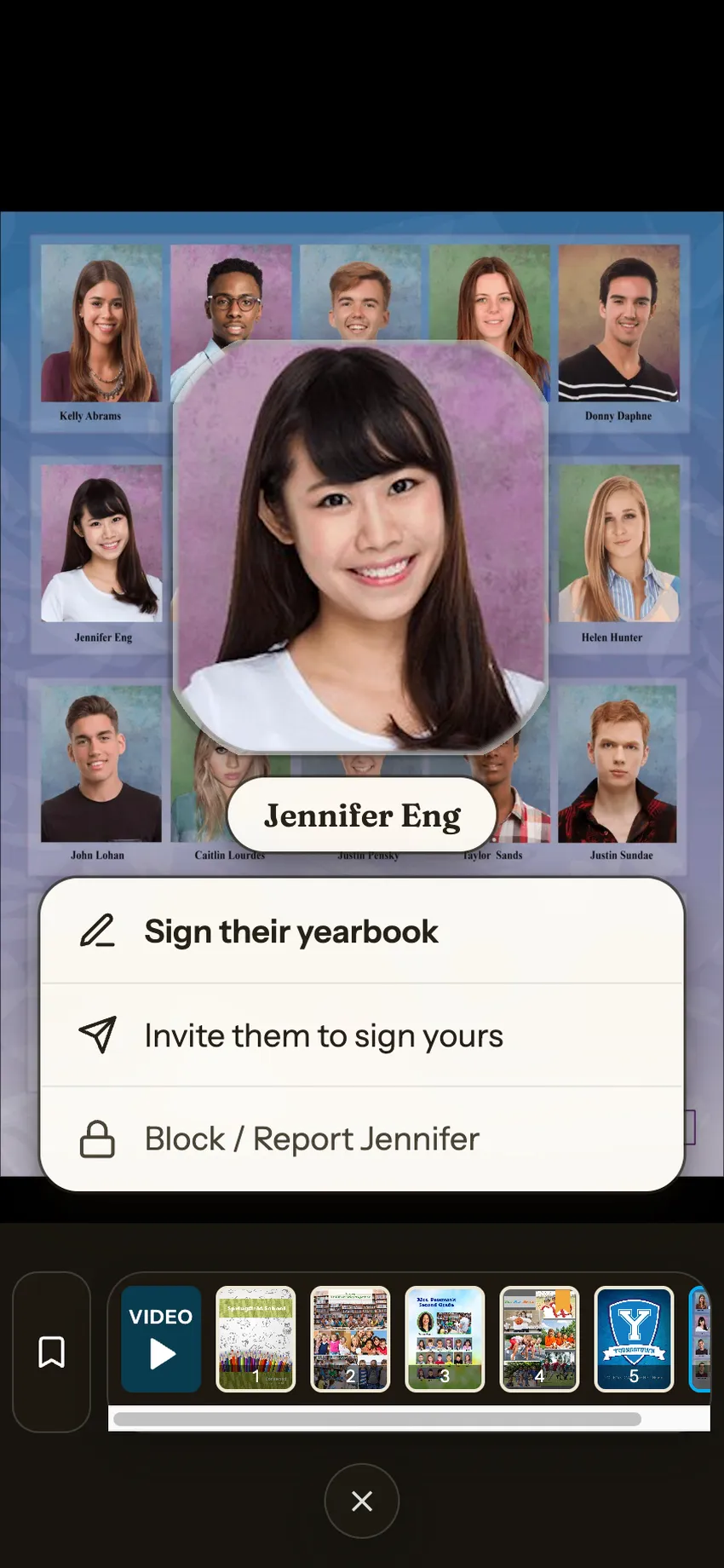
Explore your school’s yearbook in the FC Yearbook app. Find familiar faces, exchange end-of-year signatures with classmates and teachers, and watch a school-wide video that brings the year back to life.
In print and in the app.
Start with your school.
Follow your school’s access instructions to open your yearbook. Already have an account? Sign in to get started.
Tap a portrait. Leave a memory.
A few words can say a lot. Share a favorite moment, thank a teacher, or wish a classmate a great summer with a yearbook signature message.
Revisit your Autographs.
Find received signatures under “Received” and the books you’ve signed under “Signed by me.” The people in your yearbook make it personal.
Watch the year together.
A school-wide video adds another way to remember the moments your school shared.
Keep a copy in print.
Order a printed yearbook in the app and have it delivered to your home. Choose whether to include the signatures you received from classmates.